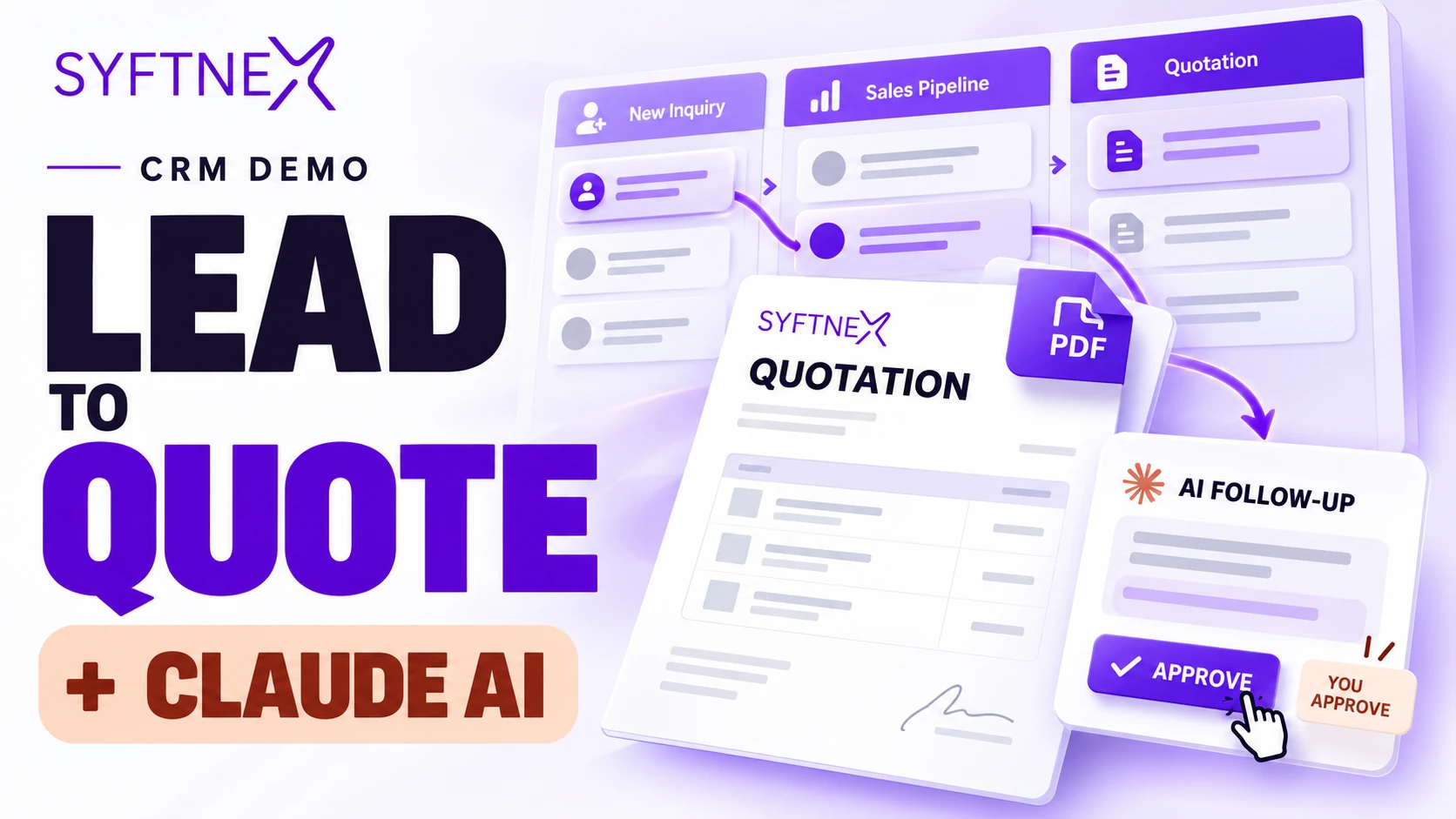
AI CRM Case Study: Building Syftnex’s Lead-to-Quote CRM with Claude Integration
A sales enquiry creates momentum, but keeping that momentum requires more than a contact database. Someone needs to qualify the opportunity, record the conversation, prepare a quotation, follow up at the right time, and keep the rest of the team informed. When those steps happen across disconnected tools, the next action becomes difficult to see.
Syftnex’s lead-to-quote CRM brings those activities into one workspace. It combines lead management, a visual sales pipeline, quotation creation, customer history, follow-up tasks, and operational reporting. Its defining feature is a Claude CRM integration through the Model Context Protocol, or MCP, which lets an authenticated AI assistant work with scoped CRM information and propose supported changes for review.
This AI CRM case study explains the product decisions, workflow design, interface direction, and integration architecture behind the application. The project is a functional demonstration built with fictional records. The outcomes discussed here describe implemented capabilities and verified workflows; they do not represent measured commercial results from a client deployment.
Project Overview
The goal was to build a practical CRM for a service-based sales process: receive an enquiry, qualify the work, prepare a quote, and manage the next conversation. The application needed to support daily sales activity while making Claude connectivity a visible part of the product experience.
The delivered scope includes a custom operational workspace, a separate management area, role-based record access, quotation PDFs, scheduled reminders, and an authenticated MCP endpoint. The technical foundation uses Laravel, Livewire, Flux UI, Tailwind CSS, and supporting services for authentication, queues, auditing, and document generation.
The central product idea is straightforward: people should be able to manage sales through a familiar interface and use Claude to help inspect information or prepare actions. Both paths operate within the CRM’s permissions and business rules.
Watch the Lead-to-Quote CRM Demo
Follow an opportunity from the dashboard through lead creation, pipeline qualification, quotation preparation, PDF generation, and review of an MCP-proposed follow-up batch.
The walkthrough shows the application’s connected workflow and current interface. It also includes the Claude connection setup and a locally generated MCP sample proposal being approved in the CRM. That segment demonstrates the proposal and approval mechanism; it should not be described as a recording of a conversation inside the Claude client.
The Challenge: Keeping Sales Context Connected
The project addressed a common workflow problem: customer information can exist in one place while the next task lives somewhere else. An enquiry may be captured successfully, yet its owner, current stage, quotation history, and follow-up date can still become disconnected.
For a service business, those details affect everyday decisions. A salesperson needs to know whether a customer has already received pricing. A manager needs to identify opportunities that have stalled. The person preparing a revised quotation needs to understand what was previously sent and preserve the original commercial record.
Adding AI introduces another design question. If an assistant can retrieve customer information and suggest changes, how does the business preserve access boundaries, review decisions, and avoid duplicate actions? The integration needed to answer that question as part of the workflow itself.
The challenge therefore had two connected parts: build a complete lead-to-quote process, and introduce useful AI assistance without weakening the controls around sales data.
Defining a Focused CRM Product
The scope concentrated on the steps that turn an enquiry into a managed sales opportunity. This kept the application focused on work that a sales team can complete and review inside one system.
The core workflow includes:
- Capturing enquiries and assigning responsibility.
- Managing leads, customers, and opportunity stages.
- Recording calls, emails, notes, and follow-up tasks.
- Preparing quotations from catalogue services or custom items.
- Generating quotation PDFs and tracking quotation status.
- Reviewing pipeline totals, won revenue, and overdue work.
- Connecting Claude to supported CRM tools through MCP.
- Reviewing proposed AI changes before they are applied.
Email synchronization, accounting, dispatch, and a customer acceptance portal remain outside the delivered scope. This boundary helped keep the primary journey understandable and made it possible to demonstrate the complete implemented workflow.
Designing a Clearer Sales Dashboard
The dashboard was designed around the questions a team needs to answer at the start of the day. How much value is in the open pipeline? What has been won this month? Which quotations are pending? Which follow-ups need attention?
Primary metrics appear first, followed by operational summaries, revenue performance, a pipeline snapshot, and recent activity. Each part has a different purpose. The metrics establish the overall position, the summaries identify outstanding work, and the lower sections provide context for the next decision.
Reporting follows record visibility rules. A representative’s view reflects assigned work, while broader operational roles can see the records available to them. Pipeline calculations also avoid counting the same opportunity repeatedly when it has multiple quotations.
That distinction matters because useful reporting depends on consistent definitions. A dashboard should help people interpret the sales process with confidence, including when an opportunity has been revised or quoted more than once.
Creating a Consistent Visual Identity
The visual direction uses Syftnex’s purple brand color, #5d0dcd, with a neutral charcoal foundation in dark mode. The same primary purple appears on selected navigation and main actions, including lead creation and the Claude connection call to action.
Consistency was an important part of the refinement. Different purple treatments on equivalent actions made the interface feel fragmented. A shared primary color now establishes a predictable relationship between navigation, important buttons, and the product’s central integration feature.
The surrounding interface uses restrained surfaces, readable text, clear spacing, and thin separators. The sidebar and top navigation share a compatible background, while the sidebar scrollbar remains narrow. The selected navigation item uses a filled state without an extra border.
Responsive layouts support smaller screens through stacked content and contained scrolling where needed. The aim is a workspace that keeps attention on records and actions while still giving the product a recognizable identity.
Lead Management from the First Enquiry
The CRM supports both public enquiries and leads entered by an authenticated team member. Public enquiries feed into the same operational process, helping avoid a separate inbox of information that must be copied into the CRM later.
The intake workflow can assign responsibility, create the associated opportunity, schedule a follow-up, and notify the appropriate user. Assignment behavior accounts for the user’s role, including keeping representative-created leads with that representative and distributing eligible enquiries through the configured team process.
Within the workspace, leads can be searched and filtered by stage. Each record connects the customer, requested service, opportunity value, and responsible team member. Opening the record provides the surrounding history and actions needed to continue the conversation.
This design makes ownership visible early. A captured enquiry becomes an item of work with a place in the pipeline and a next step, rather than an isolated contact entry.
Sales Pipeline Management with a Visual Board
The pipeline provides a visual view of opportunities across the sales process. Cards bring together the information needed to recognize an opportunity quickly, including its value, owner, and source.
Users can move opportunities between stages using the board or the stage selector. These controls support the same underlying sales process, allowing the interface to accommodate different screen sizes and working preferences.
Terminal stages distinguish won and lost outcomes from active opportunities. This separation supports meaningful pipeline totals and revenue reporting. Stage labels and order can be managed through the application’s settings while the underlying meanings remain stable.
The board also connects to the wider CRM. An opportunity’s stage is part of the same record history that contains its customer context, quotations, and follow-up activity. Users can therefore move from the overview into the detail needed to act.
Quotation Management with Reliable Commercial Records
Quotation management is a central part of the lead-to-quote workflow. The application supports catalogue services and custom line items, allowing users to prepare pricing that matches the work being discussed.
Calculations use integer cents and basis points, with discounts applied before tax and explicit rounding behavior. This gives quotations a consistent calculation model across their saved values and generated documents.
The quotation lifecycle distinguishes draft, sent, accepted, declined, and expired states. Users can record customer responses and maintain the context around a decision. Once a quotation is sent or finalized, its pricing is protected from direct editing. A revision creates a linked draft and preserves the earlier version.
PDF generation runs through a queued process, and generated documents use private storage with scoped access. The application supports previewing and downloading the quotation; external delivery is a separate action. Users mark the quotation as sent after sharing it through their chosen channel.
Together, these decisions support a clearer commercial history: what was prepared, what was sent, what changed, and how the customer responded.
Follow-Ups and Customer Activity History
Follow-up tasks connect planned work to the relevant sales record. Users can see outstanding actions, complete them, and return to the customer context that explains why the task exists.
The activity history supports calls, emails, notes, and follow-ups. This helps the next person understand the conversation without reconstructing it from scattered information. Search within the history makes longer records easier to navigate.
Scheduled automation supports overdue reminders and quotation expiry. Reminder creation is designed to avoid repeatedly producing the same reminder within the same business day. Completing a task also changes its treatment in overdue reporting.
The CRM distinguishes actual contact activity from internal notes when assessing lead inactivity. Similarly, pending quotation aging uses the sent quotation and recorded responses. These definitions help the assistant and the interface identify work using the same operational meaning.
Claude CRM Integration Through MCP
The Claude integration is the main differentiator in this project. MCP exposes a defined set of CRM tools through an authenticated interface, giving the assistant a structured way to request supported information and actions.
Read tools cover lead search, quotation search, customer retrieval, pipeline summaries, and overdue follow-ups. These capabilities allow the assistant to work with relevant CRM context instead of relying on information manually pasted into a conversation.
Write tools support creating leads, updating deal stages, preparing quotation drafts, creating follow-up tasks, and adding customer notes. Each operation has a defined scope. The assistant’s access is tied to the authenticated user and the records that user is allowed to work with.
This architecture separates conversational requests from the rules that apply them. Claude can help interpret the user’s intent and select a supported operation, while the CRM remains responsible for validation, authorization, and recording the outcome.
The result is an integration built around practical sales activity, with clear boundaries around what the assistant can retrieve or change.
Human Approval for AI-Proposed Changes
Review mode is the default for write operations. A supported request creates a server-side proposal that the initiating user can inspect in the CRM before applying the selected actions.
Proposals have an approval window, and the application rechecks permissions and relevant record state when applying them. That second check matters because a record or a user’s access may change between the request and the approval.
Batch operations always require review. Administrators can enable trusted handling for eligible routine single-record writes on a specific user connection, while batch review remains in place. This makes trust a deliberate connection setting.
Idempotency keys help prevent retries from creating duplicate actions. The system also records individual action outcomes, including situations where a batch only partially succeeds. Users can therefore understand what was applied and what still requires attention.
This approval workflow gives AI assistance a concrete place in the product: it can prepare useful work, and the responsible person can review the change before it affects the sales process.
Making Claude Visible in the Product Experience
The interface highlights Claude connectivity on the dashboard and AI connections page. A prominent banner introduces the feature and provides a direct route to setup, helping users discover the integration during normal use.
The banner is limited to those relevant pages and includes a dismiss control. This keeps the differentiating feature visible without repeating the same promotion throughout lead tables, quotations, and task screens.
The connections page explains the MCP endpoint and provides a copy control for setup. Approvals have their own destination in the navigation so users can return to proposed changes without searching through unrelated screens.
These choices connect the technical integration to a usable product journey. Discovering Claude support, connecting an account, and reviewing a proposed action are all represented in the interface.
Role-Based Access and Technical Architecture
The application separates administrative, managerial, and representative responsibilities. Administrators manage configuration and connection trust. Managers can work across operational records and the service catalogue. Representatives work with assigned records and the related customer history.
These boundaries apply to supported MCP operations as well as the CRM interface. An assistant connection does not create a separate route around the user’s permissions.
Laravel provides the application foundation, while Livewire and Flux UI power the custom operational workspace. Filament is used for management screens. Supporting components handle OAuth authentication, background processing, audit activity, and browser-generated PDF documents.
The MCP implementation is organized as a reusable Composer package with an adapter boundary that avoids direct dependence on the CRM’s models. This structure supports independent package testing and provides a basis for adapting the integration to another compatible application.
The technical choices support a single connected product while keeping the operational interface, administrative tools, and integration responsibilities clearly organized.
Validation and Demonstrated Outcomes
The project includes automated coverage for application workflows, permissions, quotation behavior, and MCP proposal handling. Authentication coverage includes an OAuth authorization-code exchange with PKCE and an authenticated MCP tool call.
PDF generation was exercised through the real queued rendering process. Browser checks covered responsive layouts, key interactions, and the consistency of the revised color system. The recorded walkthrough used isolated data and storage so recording activity did not modify the live demonstration records.
The delivered outcome is a working product workflow: an enquiry can become an owned opportunity, progress through qualification, receive a quotation, and produce follow-up work. A local authenticated MCP request can also create a reviewable proposal whose approved actions appear in the CRM.
These are functional outcomes. Revenue growth, conversion uplift, and time savings would require observation in a real operating environment. The case study makes no numerical business-performance claim beyond what the implementation and demonstration establish.
Frequently Asked Questions
What makes this an AI CRM?
The CRM exposes supported sales information and actions to an authenticated assistant through MCP. Claude can use these tools to retrieve context and propose changes, with the application enforcing permissions and approval rules.
Can Claude update CRM records automatically?
Review mode is the default. Administrators can enable trusted execution for eligible routine single-record operations on a particular user connection. Batch changes still require review, and supported actions remain subject to validation and authorization.
Does the CRM create and email quotations?
It creates quotation drafts, calculates pricing, tracks status, and generates downloadable PDFs. External sharing happens through the user’s chosen channel. Automated email delivery is outside the implemented scope described here.
Is the operational CRM built with Filament?
The daily operational workspace is custom-built with Livewire and Flux UI. Filament provides the separate management area for administrative work.
Is this case study based on real customer records?
No. It describes a functional demonstration using fictional records. Personal names and sample business identities are intentionally omitted from the written case study.
Build a Connected Sales Workflow
Syftnex’s lead-to-quote CRM shows how sales operations and AI assistance can work within one controlled process. Lead ownership, pipeline stages, quotation history, and follow-up tasks remain connected, while Claude gains access through explicit tools and authenticated permissions.
The project’s strongest feature is that the AI integration participates in the actual workflow. It can retrieve relevant information and prepare supported actions, and the CRM gives users a clear place to review and apply them.
Planning a custom CRM, quotation workflow, or Claude MCP integration? Contact Syftnex to discuss your sales process, access requirements, and the actions your team needs to complete.